

Using Upstash API, you can develop applications that can create and manage Upstash products and resources. You can automate everything that you can do in the console. To use developer API, you need to create an API key in the console. The same key also authenticates the Upstash CLI and the MCP server.
The Developer API is only available to native Upstash accounts. Accounts created via third-party platforms like Vercel or Fly.io are not supported.
Create an API key#
-
Log in to the console, then open
Accountand click theDeveloper APItab. -
Click the
Create API Keybutton.
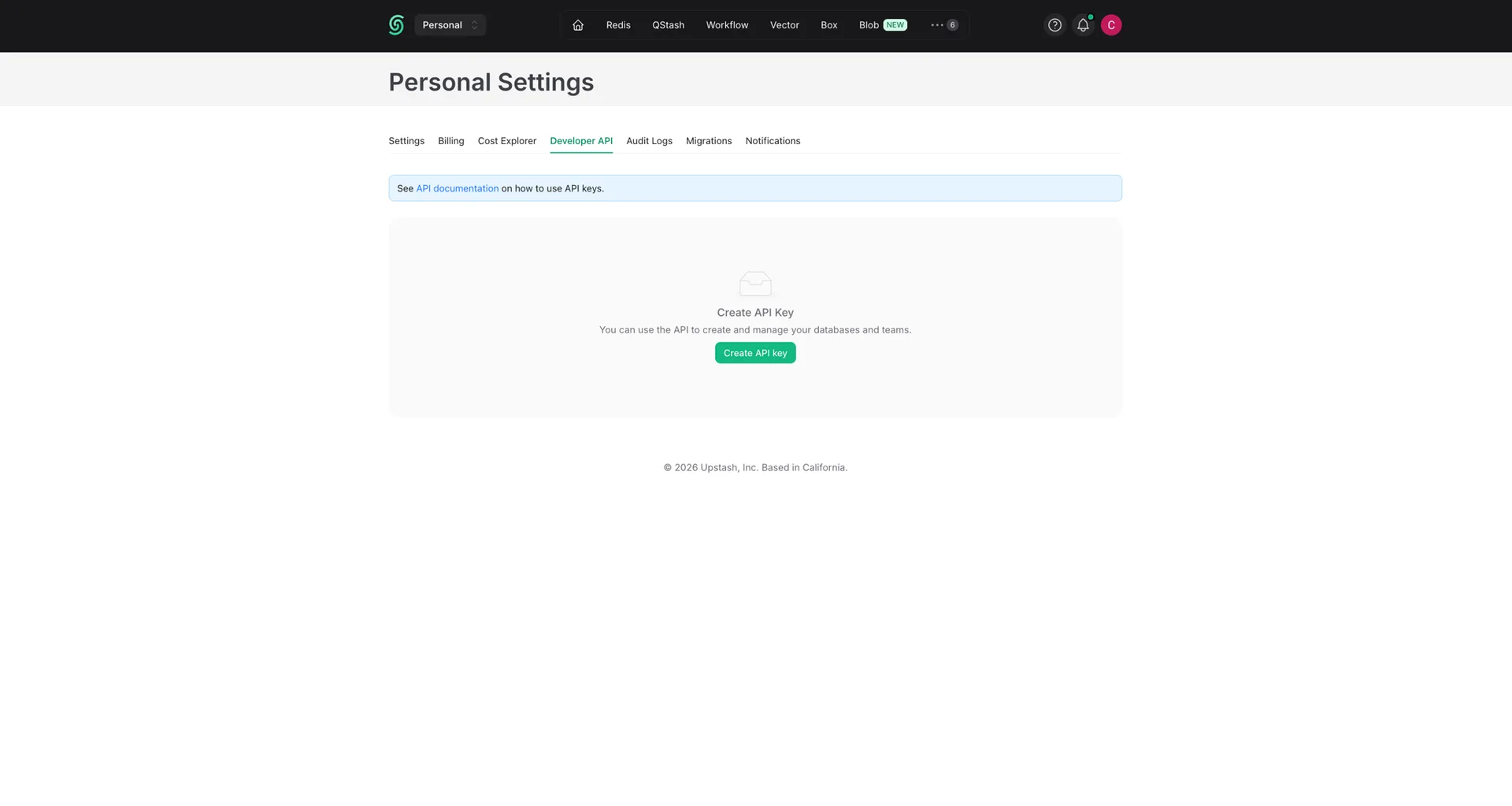
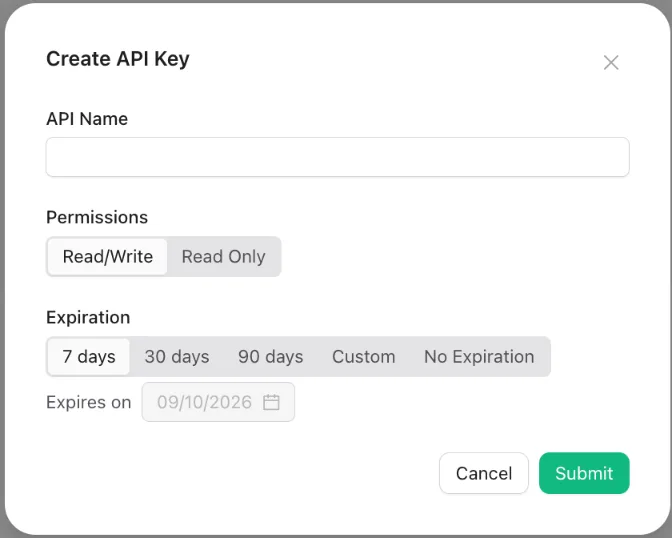
- Enter a name for your key (you can not use the same name for multiple keys),
choose the permissions (
Read/WriteorRead Only) and an expiration, then clickSubmit.
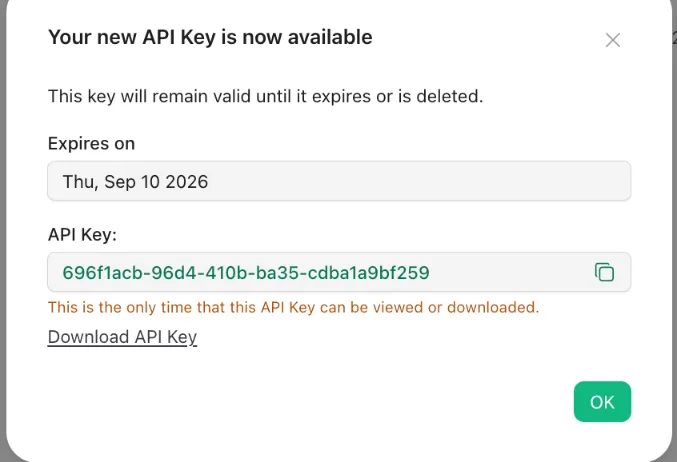
You need to download or copy/save your API key. Upstash does not remember or keep your API for security reasons. So if you forget your API key, it becomes useless; you need to create a new one.
You can create multiple keys. It is recommended to use different keys in different applications. By default one user can create up to 37 API keys. If you need more than that, please send us an email at support@upstash.com
Deleting an API key#
When an API key is exposed (e.g. accidentally shared in a public repository) or
not being used anymore; you should delete it. You can delete the API keys in the
Account > Developer API tab.
Roadmap#
Stats: We will provide reports based on usage of your API keys.